Category: AI Infrastructure

self hosting

  • A Short, Funny History of AI Predictions (And How Wrong They Were)

    A Short, Funny History of AI Predictions (And How Wrong They Were)

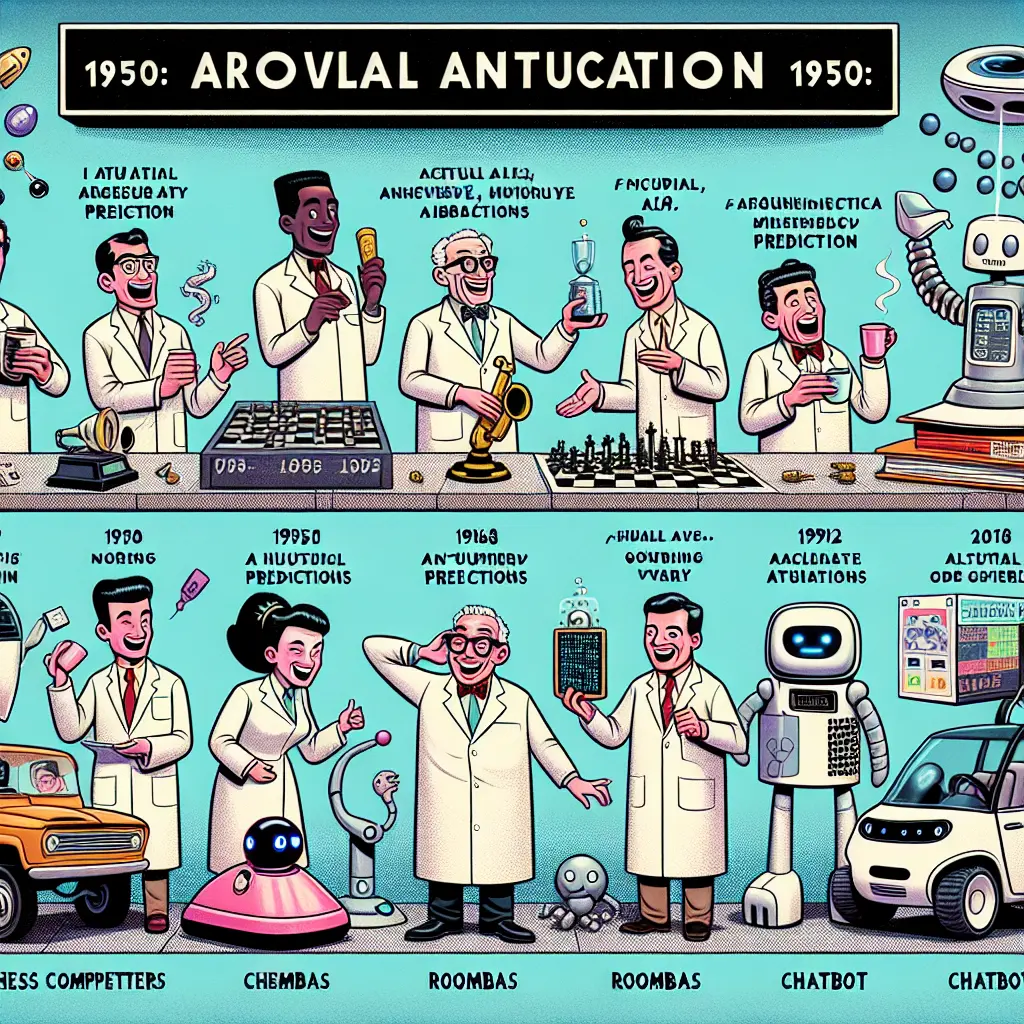
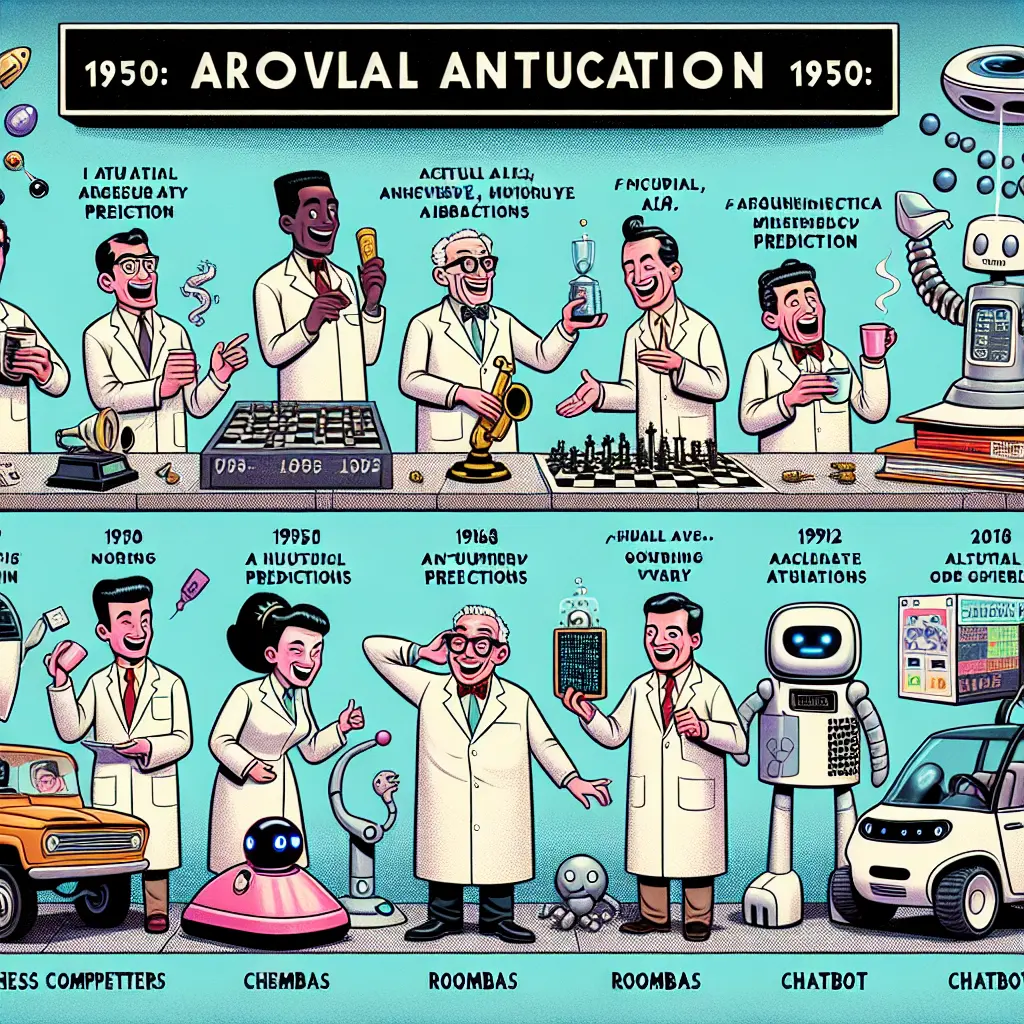
    AI predictions have been hilariously wrong since the 1950s. From claims that AI would master language by 1967 to beat chess grandmasters by 1968, experts regularly overestimated AI capabilities while underestimating human complexity. This funny timeline shows how even brilliant minds can’t predict technological progress—especially when it comes to artificial intelligence.

    When Experts Get It Spectacularly Wrong

    Have you ever been so confident about something that you’d stake your professional reputation on it? Well, that’s exactly what some of the brightest minds in computer science have been doing for decades with their AI predictions. And boy, did teh universe have a good laugh at their expense.
    related image

    I’m not talking about small misses here. I’m talking about predictions so wildly off-base that they’ve become legendary in tech circles—like that time in 1956 when researchers casually announced they’d solve the entire problem of artificial intelligence during a two-month summer workshop. Spoiler alert: they didn’t.

    Let’s take a delightful journey through the graveyard of AI predictions that aged about as well as milk left on a dashboard in July.

    The 1950s-60s: The “We’ll Have This Solved by Lunch” Era

    The 1950s and 60s were a time of unbridled optimism in AI research. These pioneers weren’t just hopeful—they were practically planning their “Mission Accomplished” parties.

    • 1956: At the Dartmouth Conference (the birthplace of AI as a field), organizers proposed that “significant advances” could be made if a group of 10 scientists worked together for just two months. They essentially thought they’d crack human-level intelligence over a summer break.
    • 1957: Herbert Simon predicted that within 10 years, a computer would be chess champion and prove a mathematical theorem. Half points for eventually getting chess right… just 30 years late.
    • 1967: Marvin Minsky, a giant in the field, confidently stated, “Within a generation, the problem of creating ‘artificial intelligence’ will be substantially solved.” Narrator: It wasn’t.


    What makes these predictions so funny in retrospect is the sheer confidence. It’s like watching someone declare they’ll climb Everest in flip-flops. The early AI researchers had no idea what they were up against—namely, that human intelligence is kinda complex. Who knew?

    The 1970s-80s: The “AI Winter Is Coming” Years

    After all those bold predictions face-planted into reality, funding dried up faster than you could say “neural network.” Welcome to the first AI Winter!

    During this period, AI research slowed dramatically as governments and corporations pulled funding. Turns out investors don’t love pouring money into projects that promised human-level intelligence but delivered programs that could barely understand “yes” and “no.”

    Sir James Lighthill’s infamous 1973 report to the British government concluded that “in no part of the field have discoveries made so far produced the major impact that was then promised.” Ouch. That’s academic-speak for “y’all were talking nonsense.”

    Expert Systems: The Corporate AI Fever Dream

    The 1980s saw a brief resurgence with “expert systems”—programs that attempted to encode human expertise in specific domains. Companies poured millions into these systems, convinced they would revolutionize everything from medicine to manufacturing.

    Narrator voice: They did not.

    While some expert systems proved marginally useful, they were brittle, expensive to maintain, and couldn’t adapt to new information. By the late 80s, most companies had abandoned their expert system projects, leading to the second AI winter.

    The 1990s-2000s: Chess Champions and Vacuum Cleaners

    The 90s finally brought some legitimate AI wins, though not quite the artificial general intelligence everyone had been promising for decades.

    • 1997: IBM’s Deep Blue defeated chess champion Garry Kasparov. This was genuinely impressive, but also a reminder that playing chess is not the same as general intelligence.
    • 2002: The first Roomba was released. Yes, the most practical AI application for many years was… a vacuum cleaner. Not exactly the robot butlers we were promised.

    During this period, predictions became slightly more cautious, but experts still had a tendency to underestimate the challenges. Ray Kurzweil began making his famous predictions about the singularity, which we’re still waiting to see materialize.

    related image

    The 2010s-Present: From Watson to ChatGPT

    The current era of AI has seen both incredible achievements and some spectacular face-plants:

    • 2011: IBM’s Watson won Jeopardy! and was gonna revolutionize healthcare. IBM executives predicted Watson would be a $10 billion business within a few years. Instead, Watson Health was sold off for scraps in 2022.
    • 2016: Self-driving cars were predicted to be “everywhere” by 2020. As I write this in my human-driven car, I’m pretty sure we’re not there yet.
    • 2022-2023: Large language models like ChatGPT have sparked both legitimate amazement and some wildly overblown predictions about AI replacing humans in creative fields “within months.”

    Why Are We So Bad at Predicting AI Progress?

    There’s something about artificial intelligence that makes smart people lose their minds a little. But why are these predictions so consistently wrong?

    1. Underestimating complexity: The human brain has roughly 86 billion neurons with trillions of connections. Creating intelligence isn’t exactly a weekend project.
    2. The “easy things are hard” paradox: Tasks that are easy for humans (like recognizing objects or understanding context in language) turned out to be incredibly difficult for computers.
    3. Technological optimism: There’s a natural human tendency to overestimate short-term progress while underestimating long-term changes.
    4. Career incentives: Bold predictions get attention, funding, and headlines. “We might make incremental progress over several decades” doesn’t make for exciting press releases.

    Prompt You Can Use Today

    Want to have some fun with AI predictions? Try this prompt with ChatGPT or Claude:

    Write a series of increasingly absurd predictions about AI capabilities from 2025 to 2100, in the style of overly optimistic computer scientists. Start reasonable and get more ridiculous with each decade. End with the most outlandish prediction possible.

    What’s Next for AI Predictions?

    If history has taught us anything, it’s that we should take AI timelines with enough salt to give your cardiologist nightmares. The field will certainly continue to advance—sometimes in surprising bursts of progress, sometimes through agonizing plateaus.

    The next time you hear someone confidently proclaim that AI will achieve human-level intelligence by [insert date], remember this funny history of incredibly smart people being incredibly wrong.

    One prediction I feel comfortable making: in twenty years, we’ll be laughing at the AI predictions being made today. Some things never change.

    Frequently Asked Questions

    Q: When did AI research officially begin?

    AI research formally began at the Dartmouth Workshop in 1956, where the term “artificial intelligence” was coined. The proposal for this workshop included the hilariously optimistic claim that significant advances could be made by ten people working together for just two months. Talk about setting yourself up for disappointment!

    Q: What was the biggest AI prediction failure?

    Many would point to Marvin Minsky’s 1967 prediction that the problem of creating artificial intelligence would be “substantially solved” within a generation. More than 50 years later, we’re still working on it. Though IBM’s Watson in healthcare might be the biggest commercial prediction failure—after massive hype, IBM sold Watson Health assets for about a quarter of what they invested.

    Q: Are today’s AI predictions more accurate?

    Today’s predictions tend to be more nuanced, but the pattern of overestimating short-term progress continues. We’ve gotten better at specific applications of AI but still regularly overestimate how quickly we’ll achieve artificial general intelligence. The lesson? Be skeptical of anyone giving specific timelines for major AI breakthroughs—especially if they’re trying to raise venture capital.

    Conclusion

    The history of AI predictions is basically a master class in human overconfidence. From the 1950s to today, brilliant people have consistently underestimated the difficulty of creating artificial intelligence while overestimating how quickly we’d get there.

    But there’s something endearing about this pattern of prediction and failure. It reflects our persistent optimism about technology and our drive to push boundaries—even when those boundaries push back harder than expected.

    Next time you see a headline proclaiming that AI will achieve some amazing feat “within five years,” maybe give it fifteen… or fifty. In the meantime, I’ll be waiting for my robot butler. Any day now, right?

    Enjoyed this trip through AI’s comically wrong predictions? Follow us for more tech reality checks that’ll make you feel better about your own failed predictions—like when you said you’d definitely start going to the gym this year.

  • Automate cloud workflows with Python (GCP, AWS)

    Automate cloud workflows with Python (GCP, AWS)

    Automate Cloud Workflows with Python: Building Smart Solutions for GCP and AWS

    Python is the perfect language for automating cloud workflows across GCP and AWS, enabling developers to script resource provisioning, data processing, and infrastructure management. With Python’s extensive libraries and cloud SDKs, you can create efficient automation scripts that save time, reduce human error, and provide consistent results across cloud environments.

    Why I Started Automating Everything in the Cloud

    Last year, I found myself manually clicking through the AWS console for the billionth time, trying to set up yet another S3 bucket with the exact same permissions as the others. I had that feeling—you know the one—where your brain screams “there has to be a better way!” while your fingers continue the mind-numbing task anyway.

    That was my breaking point. Three cups of coffee later, I had written my first Python script to automate AWS resource creation. The script wasn’t pretty (my first version had a typo that accidentally created 50 buckets instead of 5—whoops), but it worked. And it changed everything about how I interact with cloud platforms.

    If you’re still pointing and clicking your way through cloud consoles or if you’re curious about how Python can transform your cloud workflows, you’re in the right place. Let’s break down exactly how to make Python your cloud automation superpower.

    related image

    What Exactly Is Cloud Automation with Python?

    Cloud automation with Python means using Python scripts to programmatically control and manage your cloud resources instead of manually configuring them through web consoles. Think of it as giving yourself superpowers—you’re essentially writing instructions that the cloud will follow exactly as written, every single time.

    At its core, Python cloud automation involves:

    • Writing code that interacts with cloud provider APIs
    • Creating, modifying, or deleting cloud resources programmatically
    • Scheduling routine tasks to run without human intervention
    • Implementing conditional logic to make your cloud infrastructure smarter

    The beauty is that once you’ve automated a process, you can run it consistently without human error. And Python happens to be perfect for this because it’s readable, powerful, and has amazing libraries specifically designed for cloud providers.

    Why Python Is Your Best Friend for Cloud Automation

    You might wonder why Python has become the go-to language for cloud automation. It’s not an accident—there are some compelling reasons:

    • Readability: Python code is almost like reading English, making it easier to understand and maintain
    • Official SDK support: Both AWS (boto3) and GCP (google-cloud) offer comprehensive Python libraries
    • Massive community: Countless examples, Stack Overflow answers, and open-source projects to learn from
    • Versatility: From simple scripts to complex applications, Python scales with your needs
    • Cross-platform: Works on Windows, Mac, Linux—wherever you need to run your automation

    I’ve tried automation with other languages, but nothing beats the five-minute setup and intuitive syntax that Python offers. When I’m under deadline pressure, the last thing I need is to debug cryptic language quirks rather than solving the actual problem.

    Essential Python Libraries for Cloud Automation

    Before diving into examples, let’s quickly cover the essential libraries you’ll need in your cloud automation toolkit:

    For AWS:

    • Boto3: The official AWS SDK for Python, giving you access to all AWS services
    • AWS CLI: Command-line tool that can be called from Python scripts using subprocess

    For GCP:

    • google-cloud: The official Google Cloud client library for Python
    • google-auth: Handles authentication to Google Cloud services

    General Utilities:

    • Requests: For making HTTP requests to REST APIs
    • PyYAML/JSON: For parsing configuration files
    • Pandas: For data manipulation if your automation involves data processing
    • Schedule/APScheduler: For scheduling your automation scripts to run at specific times

    Installing these is simple with pip:

    pip install boto3 google-cloud-storage pyyaml requests pandas schedule

    Practical Examples: AWS Automation with Python

    Let’s start with some practical AWS automation examples that have saved me countless hours:

    Example 1: Automating S3 Bucket Creation and Configuration

    import boto3
    
    def create_configured_bucket(bucket_name, region="us-east-1"):
        """Create and configure an S3 bucket with standard settings"""
        s3 = boto3.client('s3', region_name=region)
        
        # Create the bucket
        s3.create_bucket(
            Bucket=bucket_name,
            CreateBucketConfiguration={'LocationConstraint': region}
        )
        
        # Enable versioning
        s3.put_bucket_versioning(
            Bucket=bucket_name,
            VersioningConfiguration={'Status': 'Enabled'}
        )
        
        # Set default encryption
        s3.put_bucket_encryption(
            Bucket=bucket_name,
            ServerSideEncryptionConfiguration={
                'Rules': [
                    {
                        'ApplyServerSideEncryptionByDefault': {
                            'SSEAlgorithm': 'AES256'
                        }
                    }
                ]
            }
        )
        
        print(f"Bucket {bucket_name} created and configured successfully!")
    
    # Example usage
    create_configured_bucket('my-secure-data-bucket', 'us-west-2')

    This script creates an S3 bucket with versioning and encryption enabled—a common requirement for secure data storage. Instead of clicking through multiple screens in the AWS console, you run one script and get consistent results every time.

    Example 2: Automated EC2 Instance Monitoring and Management

    import boto3
    import time
    
    def monitor_and_manage_instances(max_cpu_percent=70):
        """Monitor EC2 instances and stop any with low utilization"""
        ec2 = boto3.resource('ec2')
        cloudwatch = boto3.client('cloudwatch')
        
        # Get all running instances
        running_instances = ec2.instances.filter(
            Filters=[{'Name': 'instance-state-name', 'Values': ['running']}]
        )
        
        for instance in running_instances:
            # Get CPU utilization for the last hour
            response = cloudwatch.get_metric_statistics(
                Namespace='AWS/EC2',
                MetricName='CPUUtilization',
                Dimensions=[
                    {'Name': 'InstanceId', 'Values': [instance.id]}
                ],
                StartTime=time.time() - 3600,
                EndTime=time.time(),
                Period=300,
                Statistics=['Average']
            )
            
            # Check if any datapoints were returned
            if response['Datapoints']:
                avg_cpu = max([d['Average'] for d in response['Datapoints']])
                print(f"Instance {instance.id}: Average CPU = {avg_cpu}%")
                
                # If CPU utilization is below threshold, stop the instance
                if avg_cpu < max_cpu_percent:
                    print(f"Stopping instance {instance.id} due to low utilization")
                    instance.stop()
            else:
                print(f"No metrics available for instance {instance.id}")

    This script monitors your EC2 instances and automatically stops any that are underutilized—perfect for cost optimization. You could schedule this to run daily and save hundreds on your cloud bill.

    Practical Examples: GCP Automation with Python

    Now let’s look at some Google Cloud Platform examples:

    Example 1: Creating and Managing GCP Storage Buckets

    from google.cloud import storage
    
    def create_and_configure_gcs_bucket(bucket_name, location="us-central1"):
        """Create and configure a GCS bucket with standard settings"""
        # Initialize the client
        storage_client = storage.Client()
        
        # Create the bucket
        bucket = storage_client.create_bucket(bucket_name, location=location)
        
        # Set lifecycle rules (delete objects older than 90 days)
        bucket.lifecycle_rules = [
            {
                'action': {'type': 'Delete'},
                'condition': {'age': 90}
            }
        ]
        bucket.patch()
        
        # Enable versioning
        bucket.versioning_enabled = True
        bucket.patch()
        
        print(f"Bucket {bucket_name} created and configured successfully!")
    
    # Example usage
    create_and_configure_gcs_bucket('my-gcp-data-bucket')

    Similar to our AWS example, this script creates a Google Cloud Storage bucket with versioning enabled and a lifecycle rule to automatically delete old objects—a common pattern for managing storage costs.

    Example 2: Automated VM Instance Management in GCP

    from google.cloud import compute_v1
    
    def start_stop_vms_by_label(project_id, zone, label_key, label_value, action="stop"):
        """Start or stop all VMs with a specific label"""
        instance_client = compute_v1.InstancesClient()
        
        # List all instances in the zone
        instances = instance_client.list(project=project_id, zone=zone)
        
        # Filter instances by label
        matching_instances = [
            instance for instance in instances 
            if instance.labels and 
            label_key in instance.labels and 
            instance.labels[label_key] == label_value
        ]
        
        for instance in matching_instances:
            if action.lower() == "stop" and instance.status == "RUNNING":
                print(f"Stopping instance: {instance.name}")
                instance_client.stop(project=project_id, zone=zone, instance=instance.name)
            elif action.lower() == "start" and instance.status == "TERMINATED":
                print(f"Starting instance: {instance.name}")
                instance_client.start(project=project_id, zone=zone, instance=instance.name)
        
        print(f"Completed {action} operation on {len(matching_instances)} instances")
    
    # Example usage - stop all development environment VMs on Friday evening
    start_stop_vms_by_label(
        project_id="my-project", 
        zone="us-central1-a", 
        label_key="environment", 
        label_value="development", 
        action="stop"
    )

    This script finds all VMs with a specific label and starts or stops them—perfect for scheduling development environments to shut down on weekends and save costs.

    Building a Cross-Cloud Automation Strategy

    One of the most powerful aspects of using Python for cloud automation is the ability to create scripts that work across multiple cloud providers. Here’s how to approach multi-cloud automation:

    1. Create Abstraction Layers

    Instead of directly calling AWS or GCP APIs everywhere in your code, create wrapper functions that abstract the underlying provider. This makes it easier to switch providers or support multiple clouds:

    Frequently Asked Questions

    Why is Python so popular for cloud automation?

    Python has become the go-to language for cloud automation due to its readability, extensive library support for cloud providers, large community, versatility, and cross-platform compatibility. These features make Python an ideal choice for creating efficient, maintainable automation scripts.

    Can I use Python to automate both AWS and GCP?

    Yes, one of the powerful aspects of using Python for cloud automation is the ability to write scripts that work across multiple cloud providers. By creating abstraction layers and using provider-specific SDKs, you can write automation code that is cloud-agnostic and can be easily ported between AWS, GCP, and other cloud platforms.

    How can I schedule my Python automation scripts to run regularly?

    Python has several built-in and third-party libraries that make it easy to schedule your automation scripts to run at specific intervals. The `schedule` and `APScheduler` libraries allow you to define cron-style schedules or run your scripts at specific times of day, week, or month. This enables you to fully automate repetitive cloud management tasks without manual intervention.

    </article